WhatsApp and Call-Based Lead Handling for UAE Clinics: Turning Enquiries into Appointments
Practical guidance for clinics in Dubai and across the UAE on combining WhatsApp and phone workflows with simple CRM habits, response scripts, and follow-up timing to increase confirmed appointments and rebookings.

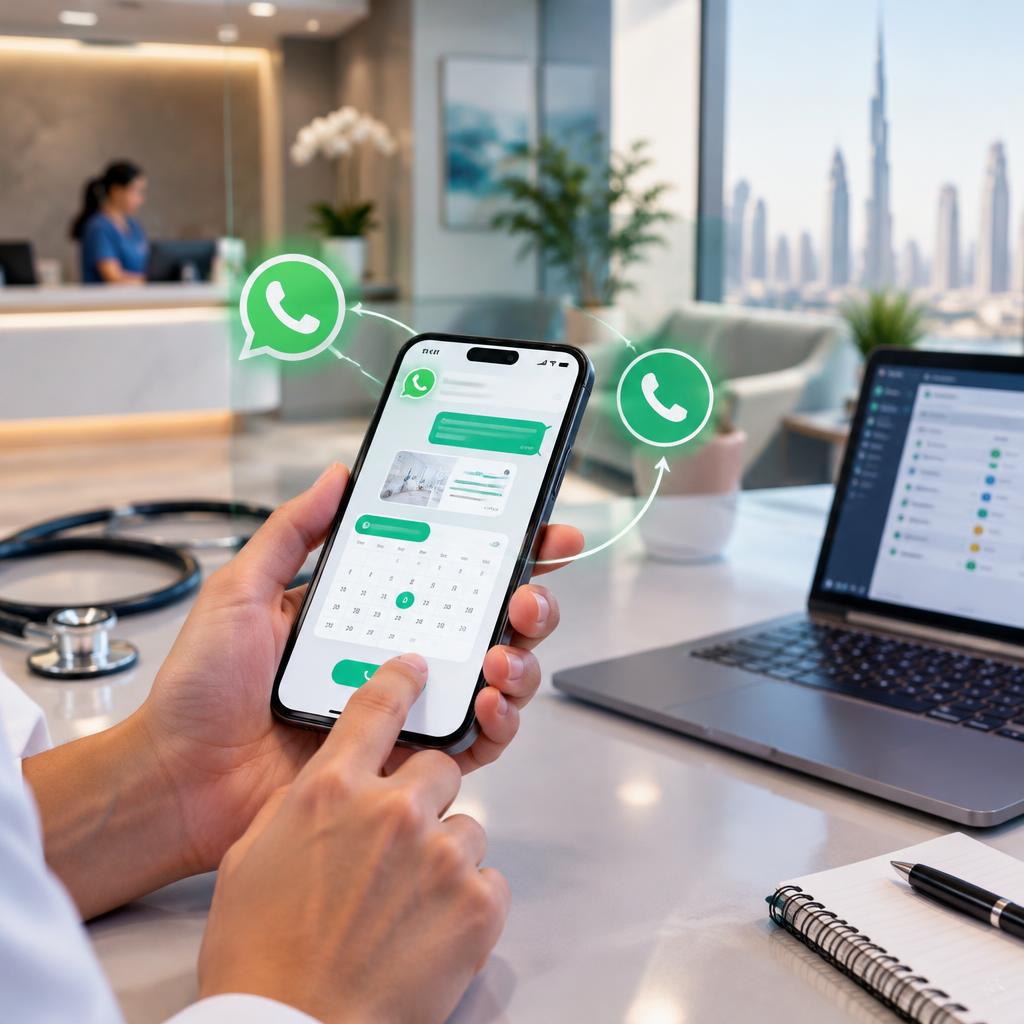
Why WhatsApp and Calls Should Be Central to Clinic Lead Handling
Patients in the UAE commonly prefer quick, conversational channels for healthcare enquiries. Combining WhatsApp with traditional phone calls gives clinics both the immediacy of messaging and the clarity of voice conversations. When handled consistently, these channels reduce friction, build trust, and create a smoother path from enquiry to scheduled appointment.
Aligning Messaging with Your Clinic’s Digital Marketing
WhatsApp and phone workflows work best when they are integrated with your existing digital marketing touchpoints — your website, social media pages, and local listings. Use the same tone, service names, and basic patient information fields across channels so prospective patients receive a consistent experience whether they click a call button or send a message.
Quick setup checklist for WhatsApp and Phone Readiness
Make sure your clinic profile on WhatsApp Business is complete and mirrors the details shown on your website and local listings. Publish clear business hours and designate staff who will own lead responses during those hours. Prepare a few standard message templates and a short call script so front-desk staff can act quickly without improvising each time.
First-Response Scripts: WhatsApp and Call Templates
A concise first reply acknowledges the enquiry and asks for the minimum information needed to offer an appointment. On WhatsApp, try a friendly message that confirms receipt, introduces the clinic, and requests name and preferred appointment times, while offering a call if they prefer. On a call, open with a polite greeting, confirm the caller’s name and service interest, then offer available appointment options and ask about any preparatory needs. Keep language courteous and action-oriented so the next step is clear.
Follow-up Cadence: When and How Often to Reach Out
Timely follow-up is critical. If an enquiry does not convert immediately, send an acknowledgement and a clear next step the same business day. If there’s no response, follow up again early in the next business period with a brief reminder and an offer to help schedule. Continue with one or two more gentle reminders spaced over subsequent business periods before closing the enquiry. The goal is persistence without pressure — helpful prompts rather than repeated solicitations.
Confirmation and Reminder Messages That Improve Show Rates
After booking, send a confirmation message that repeats appointment details, location, practitioner name, and any documents or preparation required. Send a short reminder closer to the appointment and include simple rescheduling instructions to reduce no-shows. For higher-risk visits, consider adding a brief pre-appointment call to answer patient questions and confirm attendance.
Handling No-Shows and Rebooking with Empathy
When a patient misses an appointment, follow up promptly with a polite WhatsApp message or a phone call that expresses concern, asks if the patient needs assistance, and offers the next available options. Capture the reason for the no-show where possible and add that information to the patient record to inform future outreach. A non-confrontational tone and a clear path to reschedule help recover appointments and preserve goodwill.
Simple CRM Practices for Clinics with Limited Tools
You don’t need a complex system to track leads. Maintain a central lead list — whether a lightweight CRM or a secure spreadsheet — with fields for lead source, preferred contact channel, enquiry details, appointment status, and follow-up notes. Use tags or status labels (for example: new, contacted, booked, no-show, rebooked) so the team can prioritize outreach. Standardize where phone and WhatsApp interactions are logged so every staff member sees the latest patient context.
Templates, Automation, and Staff Training
Prepare a small set of message templates for common scenarios: initial contact, booking confirmation, reminders, cancellations, and rescheduling. Where possible, automate routine reminders using your messaging tools so staff time focuses on cases that need a human touch. Train front-desk staff on tone, escalation rules for clinical questions, and how to move a WhatsApp conversation to a call when personal reassurance is needed.
Measure, Iterate, and Keep Patient Communication Human
Track basic outcomes such as how many enquiries lead to bookings, how many booked patients attend, and common reasons for cancellations. Solicit patient feedback about the booking experience and refine your scripts and timing based on what works. Remember that speed and consistency matter, but empathy and clarity are what convert enquiries into long-term patients. A marketing partner experienced in healthcare can help align workflows with your online channels and optimize messaging while keeping clinical and privacy needs in mind.
Article by
𝟒 𝐃𝐨𝐜𝐭𝐨𝐫 𝐌𝐚𝐫𝐤𝐞𝐭𝐢𝐧𝐠 Dubai - Healthcare/Hospital/Clinic Digital
4doctor Marketing specializes in providing cutting-edge digital marketing solutions for healthcare organizations. Our team of experts utilizes advanced SEO techniques, PPC advertising, and social media marketing strategies to help medical firms and practitioners, including hospitals, dental clinic, diagnostic centers, pharmaceutical companies, nursing homes, physicians, dentists, and more, reach their target audience and increase their online visibility.