First LG Smart TV Setup in Kolkata: A Step-by-Step Checklist to Complete Before the Technician Leaves
A practical checklist for new LG Smart TV owners — especially customers of the Salt Lake, Kolkata showroom — to ensure Wi‑Fi, apps, picture and sound, accounts, installation and paperwork are correctly set up in a single visit.
Why a focused setup checklist matters
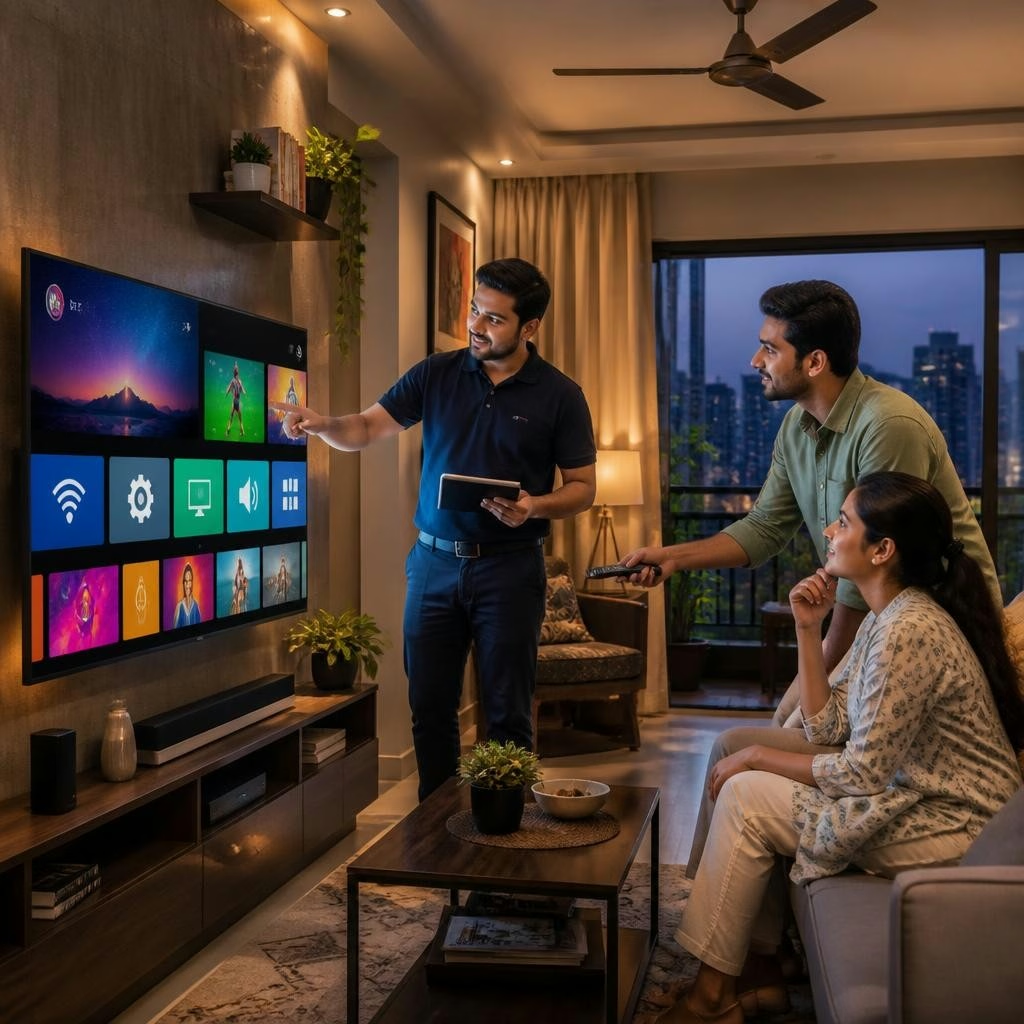
When you buy an LG Smart TV from a showroom in Salt Lake, Kolkata, a single well-managed installation visit can have the TV working exactly how you want. A concise checklist helps you and the technician confirm essential items — network, apps, picture and sound, connected devices and documentation — while the installation team is still on site. Many customers report smooth, helpful in‑store service and hassle‑free installation, so using a checklist makes the most of that first visit.
Prepare before the technician arrives
Measure the intended TV location and clear the area of obstacles so installation proceeds efficiently. Have your Wi‑Fi network name and password ready, plus any streaming service logins you plan to use (Netflix, Prime Video, etc.). If you plan a wall mount, confirm whether the store arranged mounting hardware or if you need to provide it. Keep power outlets accessible and note the positions of set‑top boxes, soundbars and other devices you will connect.
Confirm the physical unit and accessories
Before permanent installation, check that the model delivered matches your purchase and that the screen appears free of obvious damage. Ask the technician to show the box contents and confirm the presence of the remote, batteries, power cable, user manual and any included mounting hardware. If you received any exchange or promotional items, verify those are present and documented on the delivery receipt.
Network connection and account sign‑in
Have the technician connect the TV to your home Wi‑Fi and confirm a stable internet connection by opening an app or playing a short video. Sign in to your streaming service accounts while the technician waits so you can verify playback. If you prefer, create or sign in to an LG account (used for system updates and some services) and note that account details are recorded in your own records, not shared unnecessarily.
Picture and sound: basic calibration
Ask the technician to demonstrate and explain the TV’s picture and sound presets (for example: Standard, Cinema, Game, or Eco modes) and to set one you prefer. Use a few sample clips — a nature scene, an HDR trailer, and typical TV content — to check brightness, contrast, color and motion handling. For audio, test the internal speakers and any connected soundbar or ARC/eARC setup. Request that the tech leave the TV in the mode you approve and note which mode was chosen.
Smart features, inputs and peripherals
Confirm that popular OTT apps are installed and that the app store is accessible. Have the technician pair the remote (including voice or pointer functions), connect Bluetooth devices if needed, and test screen‑mirroring or casting from a phone. Verify HDMI inputs and label them (set‑top box, Blu‑ray, game console) so switching sources is clear. Ask the technician to check for and apply any available software updates before departure.
Documentation, registration and after‑sales support
Before the team leaves, ask for a completed installation report or delivery challan that lists the model and accessories installed. Keep the purchase invoice and any documents the technician provides. Register the TV with LG online if desired so product details and proof of purchase are on record. The Salt Lake showroom provides professional installation and after‑sales support; if anything is unresolved, contact the store using the delivery documentation so they can coordinate follow‑up.
Final operational checks and handover
Walk through the TV’s basic operation with the technician: power on/off, input switching, launching an app, adjusting volume, and using voice commands. Test a live channel or your preferred streaming app to confirm satisfactory playback. If any promised items — installations, offers, or documentation — are missing, request written notes on follow‑up actions and expected timelines. Only sign the installation acceptance once you are satisfied the checklist items have been completed and demonstrated.
Article by
LG BEST SHOP - SWAR SANGAM
LG Best Shop - Swar Sangam is a trusted LG Exclusive Brand Shop in Salt Lake, Kolkata, offering a complete range of genuine LG home appliances and electronics under one roof. Explore the latest LG OLED, QNED and UHD Smart TVs, AI Inverter Air Conditioners, French Door and Side-by-Side Refrigerators, Front Load and Top Load Washing Machines, Microwave Ovens, Water Purifiers, Dishwashers and Audio Systems. Experience live product demonstrations, expert product guidance, competitive pricing, attractive exchange offers, easy finance options, professional installation and reliable after-sales support. Visit LG Best Shop - Swar Sangam for an authentic LG shopping experience and discover the latest LG innovations for your home.