How to Prepare Print-Ready Files for Dubai Print Shops: A Practical Guide for Non-Designers
A clear, non-technical guide that explains bleed, safe area, resolution, colour modes, font handling and final checks so Dubai marketers and admins can send files that print correctly the first time.

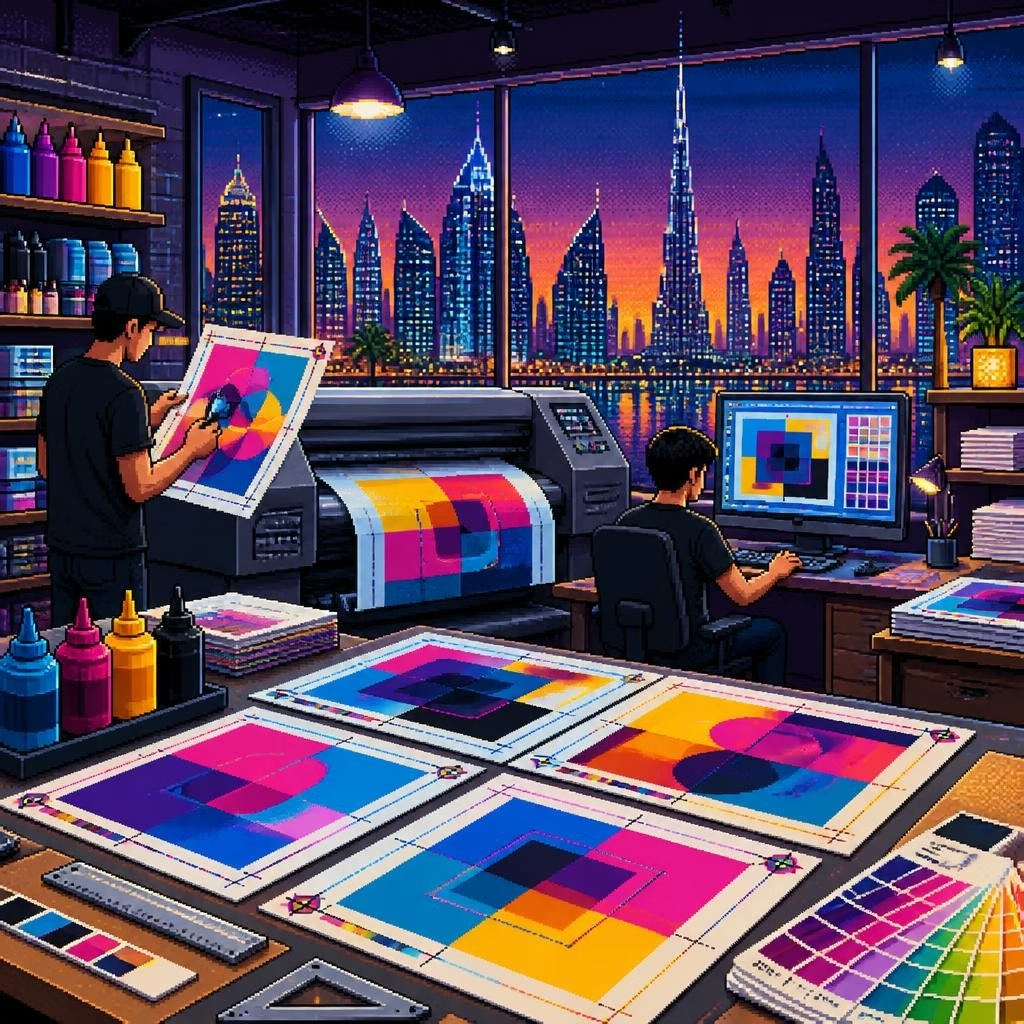
Why preparing print-ready files matters
Good files save time and money. When you deliver artwork that’s set up correctly, your printer can go straight to production without asking for fixes, which reduces delays and avoids unexpected charges. Local customers often praise Al Wasl Printing Press for fast turnaround and helpful communication — that smooth process starts with clean, print-ready files from the client.
Use the right final file format
Export finished artwork as a print-ready PDF when possible. PDF/X standards (PDF/X-1a or PDF/X-4) are industry-friendly because they embed images and fonts and carry printing instructions. If a PDF isn’t possible, supply native vector files (AI, EPS) for logos and illustrations, and high-resolution TIFF or PSD files for images. Always check with your printing company dubai contact about preferred formats before sending files.
Bleed and safe area — what they are and why they matter
Bleed is the extra artwork that extends past the intended cut line so small shifts during trimming don’t leave white edges. A common industry standard is 3 mm of bleed on each side. The safe area (or margin) is the space inside the cut line where important text or logos should remain — typically 3–5 mm from the trim. Supplying files with proper bleed and safe area prevents cropped text and uneven borders on business cards, brochures, and flyers.
Resolution and images — sharp printing starts with good pixels
For typical close‑view print (business cards, brochures, magazines), supply images at 300 DPI at final printed size. For large-format pieces such as banners and signage viewed from a distance, lower effective DPI (100–150 DPI or even less) can be acceptable because of viewing distance — but always send the highest-quality source files you have. Avoid upscaling low-resolution images; instead, request higher-resolution originals or use vector artwork when possible.
Colour modes: RGB vs CMYK and spot colours
Screens display RGB colours, but most commercial presses print in CMYK. Convert your files to CMYK before final export so you can check how colours will shift. If your work uses exact corporate colours, request Pantone (spot) colour matching and tell the printer which Pantone numbers to use. Ask your printer about ICC profiles if colour-critical work is required; they can supply profiles for accurate soft-proofs.
Fonts: embedding, outlining and safe practices
To avoid font substitution, embed fonts in your exported PDF or convert (outline) text to vector shapes. Outlining ensures the printer sees the exact letterforms, but it prevents later text edits, so keep an editable copy for your records. If you can’t embed or outline fonts (for licensing reasons), supply the font files to the printer with permission. Always check text alignment and line breaks after embedding or outlining.
Crop marks, overprint and transparency — what to include
Include crop marks and a small bleed area when exporting. Make sure overprint settings are intentional — unintended overprints can cause elements to disappear in the final press. Flatten or properly manage transparency (especially in older workflows) to avoid unexpected flattening results. If your file contains layers, label them clearly or flatten the artwork into logical pieces to make preflight easier for the print shop.
Special tips for signage, vehicle wraps and large displays
Signage and vehicle branding often require vector logos, cut-paths, and high-resolution images scaled for large sizes. Supply artwork at 1:1 scale when possible or at a clear scale (for example 1:2) with size notes. Provide separate vector cut-paths for vinyl cutting and indicate laminates or finishes you expect. Since Al Wasl and other Signage Company in Dubai teams frequently recommend materials, include notes about intended use (indoor/outdoor) and viewing distance so the printer can advise on resolution and substrate choices.
A quick preflight checklist to run before sending files
Run a short preflight to catch common issues: confirm correct page size and orientation; check for 3 mm bleed and safe margins; ensure images are at least 300 DPI at final size (or appropriate for large format); convert or embed fonts; set colour mode to CMYK or specify spot colours; include crop marks; and export to a PDF/X standard if possible. Name files clearly (projectname_size_version.pdf) and include a brief instruction sheet listing paper, finish, quantity and delivery deadlines.
Communicate early and request proofs
Even the best files benefit from a conversation. Share your deadline and intended use when you submit files so the printing press dubai team can flag any issues early. Ask for a digital proof and, for colour-critical jobs, a physical proof before full production. Local printers in Dubai — including printing company dubai specialists — often provide helpful guidance and quick turnarounds when you supply clear files and open lines of communication.
Wrapping up: build a simple workflow for repeat jobs
Create a short internal checklist or template for recurring items like business cards, menus and banners so every submission follows the same standards. Keep editable source files in an organized folder, export print-ready PDFs for production, and share any brand assets (logos, Pantone values, fonts) with your preferred printing partner. Good preparation makes projects faster and smoother for both you and the printer, and helps teams like Al Wasl Printing Press deliver high-quality results on time.
Article by
Al Wasal Printing Press - Printing Company in Dubai
Al Wasl Printing Press is one of the leading printing press companies in Dubai. We are your one-stop commercial printing company for all of your branding and publishing needs. We strive to provide our customers with the best and highest quality products available in the industry. Our Services Includes:- Digital Printing, Offset Printing Commercial Printing (Brochures, Flyers, Catalogues) Business Card Printing Letterhead & Stationery Printing Magazine & Book Printing Advertising & Display Printing Banner & Flex Printing Signage & Sign Board Printing (LED, Acrylic, etc.) Vehicle Branding & Wrapping Window Graphics & Glass Printing Packaging & Specialized Printing Packaging & Box Printing (Custom Packaging)