Budget vs Premium: How to Choose an LG TV Price Range Before You Visit Elgin Road
A practical, step‑by‑step guide for Kolkata shoppers to define a realistic LG TV budget based on room size, viewing distance, usage and must‑have features so in‑store visits at the Elgin Road showroom are faster and more productive.
Why set a price range before you visit the showroom
Walking into an LG showroom without a clear budget can make comparisons overwhelming. Setting a preliminary price range narrows the options the staff will show you, speeds up demonstrations, and helps sales staff focus on models with the features you actually need. At LG Best Shop – Swar Sangam on Elgin Road, customers frequently note that helpful, knowledgeable staff and well‑organized displays make focused visits especially effective when you arrive with a clear idea of your priorities.
Step 1 — Measure the room and viewing distance
Start by measuring the distance from the main seating area to the TV wall. This single measurement is the best guide to screen size. As a rule of thumb, closer viewing distances work better with smaller screens while larger rooms suit bigger diagonal sizes. Write down the room dimensions and seating distances before you shop so staff can quickly recommend LG models that fit your space.
Step 2 — Match usage to TV technology
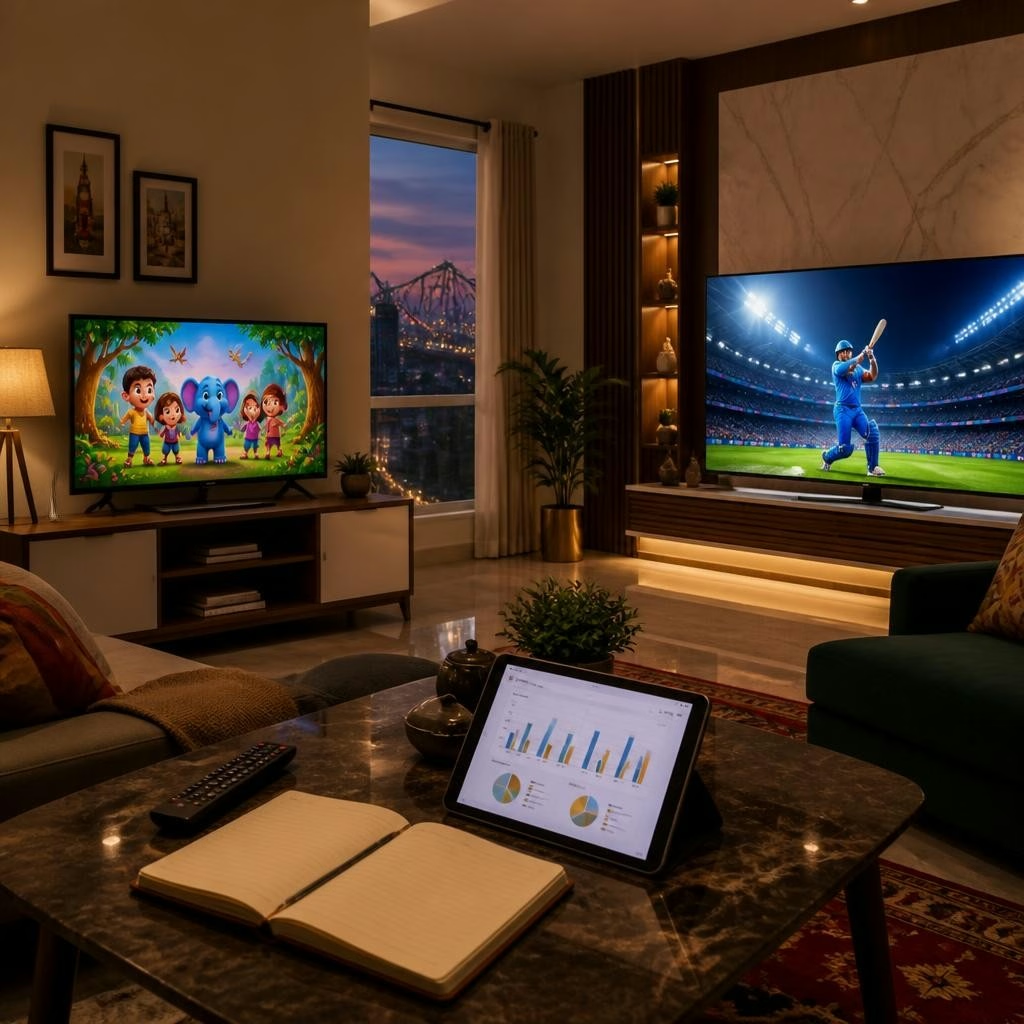
Decide how you mainly use the TV: kids’ cartoons, streaming OTT content, live sports, or gaming. Different use cases change which features matter most. For deep contrast and cinematic viewing many shoppers look at LG OLED models; for bright rooms or cost‑conscious buyers LG’s QNED and UHD smart TVs offer strong picture quality and value. For fast‑motion content like sports or competitive gaming, prioritize motion handling and a higher refresh specification. Jot down your primary use cases so the showroom demo can focus on the right panel types and picture modes.
Step 3 — Separate must‑have features from nice‑to‑have extras
Create a short checklist of non‑negotiables (must‑haves) and secondary preferences (nice‑to‑haves). Common must‑haves include adequate screen size for your measured distance, smart TV platform access to the apps you use, and enough HDMI/USB ports for set‑top boxes or consoles. Nice‑to‑haves might be advanced audio, ultra‑high‑end HDR performance, or premium stands. Prioritizing features before visiting helps the sales team demonstrate only the models that match your list, saving time and making tradeoffs clear.
Step 4 — Define budget bands by features, not price tags
Rather than fixating on a single price, think in three bands: budget (essential smart UHD models that cover everyday TV use), mid‑range (better panel quality, improved processing and more ports), and premium (top‑tier OLED or QNED models and larger screen sizes with advanced features). Assign which band you’re willing to consider based on how many must‑have features are on your list. This approach makes in‑store comparisons more practical: you’ll immediately know whether a demonstration is within your acceptable band or an aspirational upgrade to note for later.
Step 5 — How to use the Elgin Road showroom efficiently
Bring your room measurements, usage checklist and budget bands to the showroom. Ask staff for side‑by‑side demos of models from the same size in different technology tiers so you can judge differences in picture and motion handling quickly. Request information on current exchange offers, finance options and installation — the showroom highlights these services and many customers report smooth purchase and delivery experiences. Ask about demo content that matches your primary use (a sports clip for sports lovers, animated content for kids) to see real differences.
Step 6 — Questions to ask and checks to make before deciding
Before you commit, ask the showroom team for warranty and after‑sales details, available picture modes, and whether the model on display is the same configuration as the boxed product. Confirm delivery timelines, professional installation options and any post‑purchase support. If possible, compare audio performance and check connectivity with your existing devices. These practical confirmations prevent surprises after purchase and are reasonable to request during any demonstration.
Quick checklist and next steps
Prepare measurements and seating distance, list primary use cases, mark three budget bands tied to your must‑have features, and bring that list to LG Best Shop – Swar Sangam on Elgin Road. Use the showroom’s organized displays and staff expertise to run focused demos and get clarity on exchange, finance and installation options. With this preparation you’ll spend less time sorting specs and more time choosing the LG TV that fits your room, viewing habits and realistic budget.
Article by
LG BEST SHOP
LG Best Shop - Swar Sangam is a trusted LG Exclusive Brand Shop in Elgin Road, Kolkata, offering a complete range of genuine LG home appliances and electronics under one roof. Explore the latest LG OLED, QNED and UHD Smart TVs, AI Inverter Air Conditioners, French Door and Side-by-Side Refrigerators, Front Load and Top Load Washing Machines, Microwave Ovens, Water Purifiers, Dishwashers and Audio Systems. Experience live product demonstrations, expert product guidance, competitive pricing, attractive exchange offers, easy finance options, professional installation and reliable after-sales support. Visit LG Best Shop - Swar Sangam for an authentic LG shopping experience and discover the latest LG innovations for your home.