Android Phone Not Charging? Troubleshooting Tips for Coburg, Fawkner & Glenroy Users
Practical, step-by-step troubleshooting for Samsung and other Android phones that charge slowly, only at odd angles, or not at all — plus when to seek professional charging-port or battery repair in Coburg and nearby suburbs.
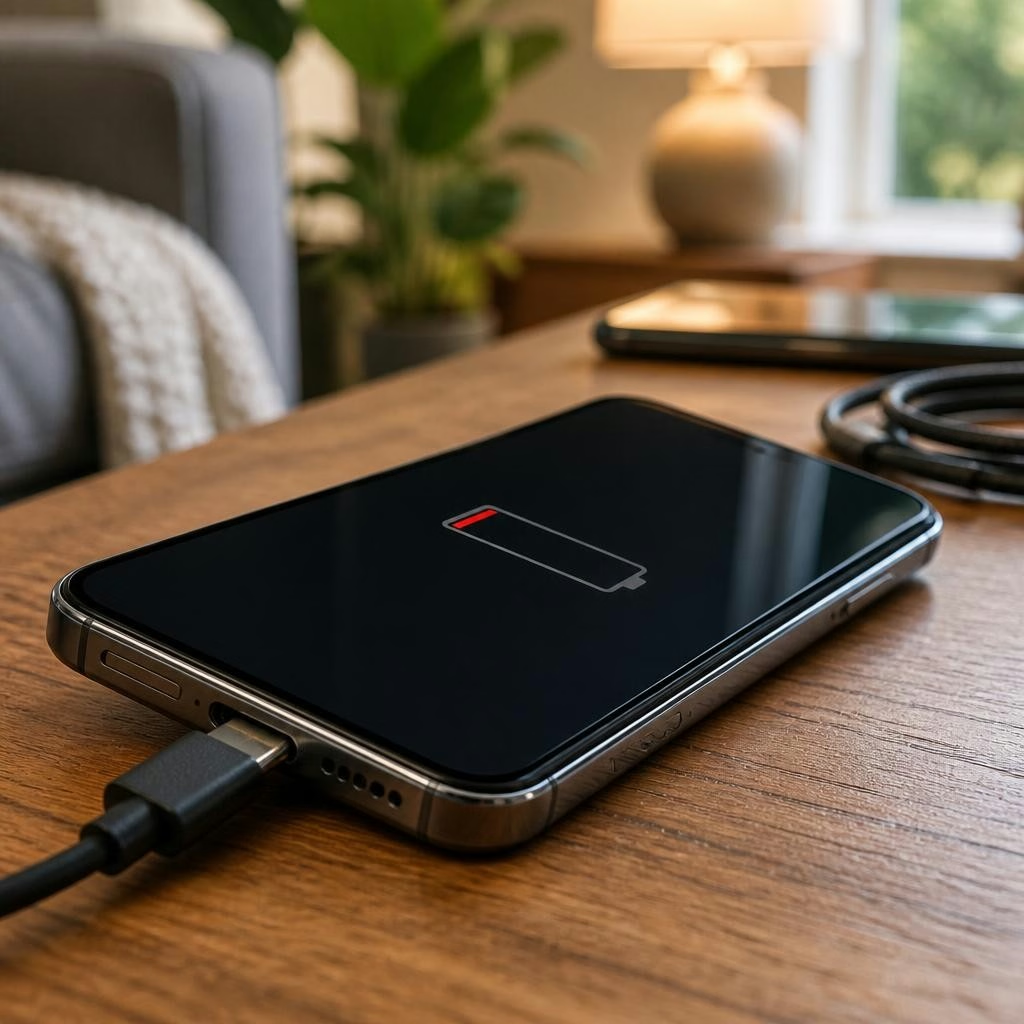
Why your Android phone might not be charging
If your Android phone shows slow charging, only charges at certain angles, or refuses to charge, the cause can be hardware, software, or a simple accessory fault. Common culprits include a damaged cable or wall adapter, dirt or damage in the charging port, a failing battery, or a software issue. This guide focuses on practical checks you can do at home around Coburg, Fawkner and Glenroy, and explains when a professional repair is the safest next step.
Start with the basics: cable, adapter and power source
Before assuming the phone is at fault, test the charging accessories. Try a known-good USB cable and wall adapter (preferably one rated for your phone). Plug into a different wall outlet or a powered USB port on a laptop. If possible, try a different cable type (USB-C vs micro-USB) or a fast-charger that’s known to work with Android devices. Many charging problems are solved by replacing a worn cable or a faulty adapter.
Check the charging port for debris and damage
Dust, lint and pocket debris can block the connector and stop reliable contact. With the phone powered off, shine a light into the port and look for visible debris, bent pins or corrosion. You can gently remove lint with a dry, non-metal tool (like a soft wooden or plastic pick) or use a short burst from a can of compressed air. Do not insert metal objects or force anything into the port — that can cause permanent damage and may require professional repair.
Quick software tests you can try
Software can interfere with charging if the system is frozen or a specific app is misbehaving. Restart the phone first — a reboot clears temporary glitches. Check battery settings for apps using excessive power and install any pending Android system updates. If available, try charging the phone in Safe Mode to see whether a third-party app is the cause. Back up important data before attempting more invasive steps such as a factory reset.
Battery health and common battery symptoms
A failing battery often shows as rapid percentage drops, overheating during charging, or a device that only powers on while plugged in. Physical signs such as case bulging or an unusual heat profile mean you should stop using the phone and seek professional help. Battery replacement is a standard repair for phones that no longer hold charge, but it’s best handled by an experienced technician to ensure safety and correct installation.
Using wireless charging and alternative checks
If your Android device supports wireless charging, try placing it on a compatible wireless charger. Successful wireless charging suggests a problem with the charging port or cable rather than the battery or software. If wireless charging isn’t supported, you can also try charging from a laptop USB port as a diagnostic step — slower, but useful to confirm whether the phone accepts any charge input.
Signs the charging port itself needs repair
Look for a loose or wobbly connector, visible damage to the port, sparks, or charging that only works when the cable is held at a certain angle. Persistent corrosion or liquid exposure that affects charging are also strong indicators that a port replacement or internal connector repair may be required. Attempting repeated forceful connections can damage the board and increase repair complexity, so stop using the port if you see those signs.
When to bring your phone to a local technician
Seek professional repair if the port is damaged, the battery is swollen or very hot, charging fails despite using known-good cables and adapters, or if the phone suffered liquid exposure. Local repair shops can diagnose whether you need a port cleaning, port replacement, battery replacement or software-level repair. Many customers in the Coburg area report fast turnaround on battery replacements and other common fixes, reflecting how a trained technician can resolve problems faster and more safely than DIY attempts.
How to prepare before you visit a repair shop
Back up your data if the phone still powers on, and bring any chargers or cables that reproduce the issue — technicians often test with customer-supplied accessories. Describe the exact symptoms (when the problem started, any drops or liquid exposure, whether the phone charges intermittently or not at all). Ask about the parts used, diagnostic fees, estimated turnaround time and any warranty on the repair. Given mixed experiences in the market, it’s reasonable to confirm parts quality and follow-up support up front.
Local repair options and final tips
If you’re in Coburg, Zee Mobi Solutions on Sydney Road offers mobile phone repairs including battery and charging-port work for Android and other phones, with many customers praising quick turnaround on battery replacements. Drop in or call to explain the issue and check availability; technicians can evaluate charging ports, test batteries safely and advise whether repair or replacement is the best route. Address charging problems early — catching a faulty port or battery sooner usually reduces repair cost and risk of further damage.
Customer review


Article by
Zee Mobi Solutions - Phone Repair Coburg
Zee Mobi Solutions is your trusted destination for expert mobile phone, MacBook, and laptop repairs in Coburg. We specialise in fast, reliable, and affordable repair services for all major brands, including Apple, Samsung, and more. Whether it’s a cracked screen, battery replacement, water damage, or software issues, our skilled technicians have you covered. We use high-quality parts to ensure lasting performance and customer satisfaction. Conveniently located in Coburg, we pride ourselves on quick turnaround times and exceptional service. Visit Zee Mobi Solutions today for professional repairs and get your device back in top shape!