Coburg Guide: Fixing iPhone Battery Drain Without Buying a New Phone
Practical steps for iPhone users in Coburg, Fawkner and Glenroy to diagnose and reduce fast battery drain, when a replacement is the right move, and what to expect from a local quick battery swap.
Why this guide matters
If your iPhone is losing charge quickly, it doesn’t always mean you need a new phone. Many common causes — from settings and apps to aging batteries — can be fixed without replacing the device. This guide walks through simple checks you can do at home, how to interpret iPhone battery information, when a battery swap is the sensible next step, and what to expect from a local Coburg repair shop.
Quick checks to do right now
Start with simple steps that often restore usable battery life quickly: restart the phone, make sure iOS is up to date, close or force-quit apps that misbehave, reduce screen brightness, and switch off unnecessary radios (Bluetooth, Wi‑Fi, or AirDrop) when not in use. Check Mail settings for frequent push fetches and disable background app refresh for apps you rarely use. These small adjustments can significantly reduce drain without technical repair.
Use iPhone built‑in tools to spot the problem
Apple’s Settings app gives helpful clues. Open Settings > Battery to see which apps are using the most power and whether usage spikes coincide with particular activities. On newer iOS versions, the Battery Health & Charging section and on older versions Battery Health can show whether the battery’s reported capacity and performance are reduced. Look for consistent, abnormal drops in the Battery screen rather than occasional spikes after heavy use.
When apps and software are the issue
App updates, background activity, misconfigured accounts, and buggy software can all cause rapid drain. If one app shows unusually high use, update or reinstall it. Consider signing out of troublesome email accounts temporarily to test impact. If battery drain started after an iOS update, wait for the system to finish background indexing for a day, then re-evaluate. If problems persist, a technician can run diagnostics to determine whether software conflicts or corrupted settings are the cause.
Signs a battery replacement is likely needed
You may need a battery replacement when the device shows persistent symptoms: rapid percentage drops during normal use, unexpected shutdowns, slow charging, or reduced run time even after software fixes. If the Battery Health screens indicate reduced capacity or ongoing performance issues, a battery swap is often the most cost‑effective way to restore usable life to your phone without buying a new device.
What to expect from a local quick battery swap
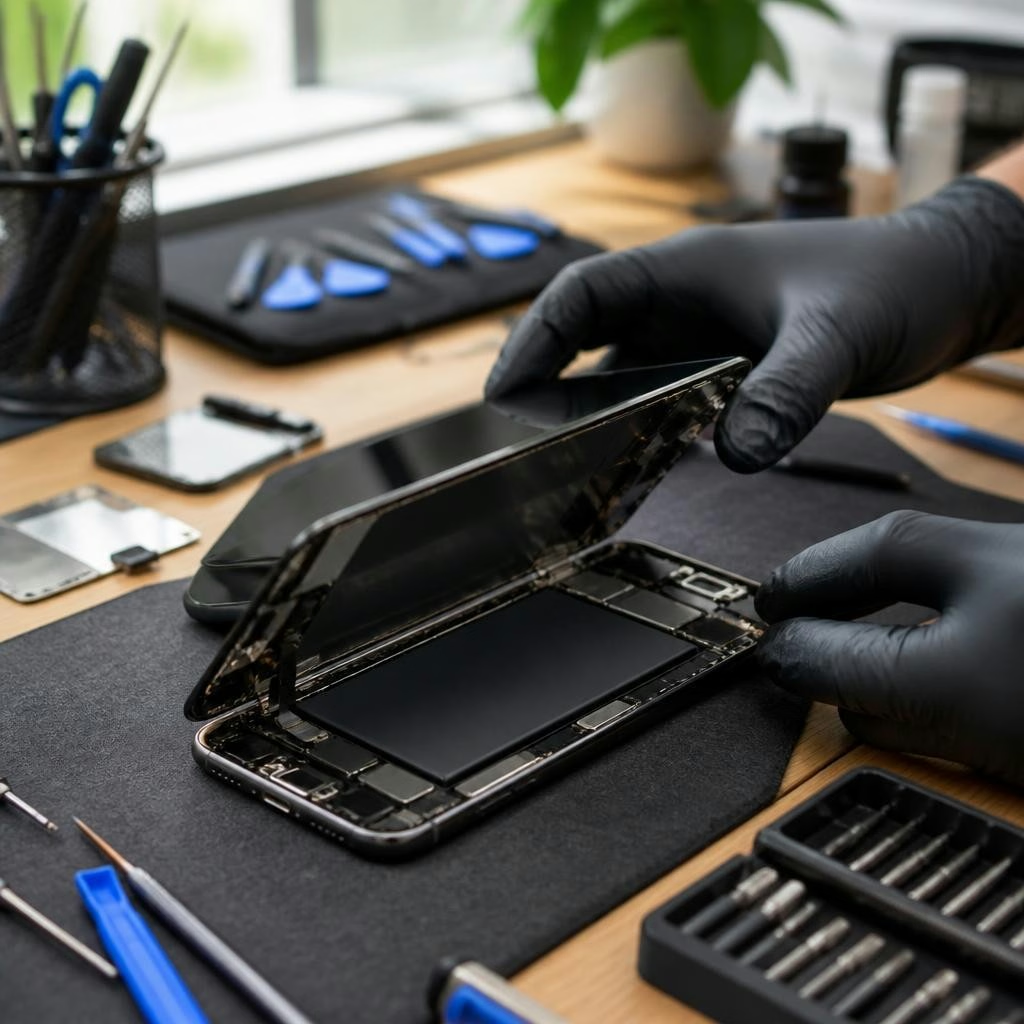
Local repair shops in Coburg, Fawkner and Glenroy commonly offer same‑day battery replacements. Many customers report quick turnaround times for smartphone battery swaps, with some repairs completed in under an hour. Reputable technicians will ask you to back up your data before work begins, use quality replacement parts, test the phone after the swap, and explain any follow‑up recommendations. Always confirm parts and repair time up front.
Preparing your iPhone before a repair visit
Before you hand over your phone, back up your data to iCloud or a computer, sign out of accounts if requested, and bring the phone’s passcode or be ready to enter it so the technician can run post‑repair checks. Remove any case or screen protector that might interfere with diagnostics. If you have physical damage or water exposure, describe those details to the technician so they can prepare the correct parts and tools.
Choosing a repair shop in Coburg
Look for a repair provider with experienced technicians, clear communication, and positive local feedback about battery work and turnaround times. Customers often value friendly service and transparent explanations of diagnostics and part quality. At a minimum, ask which brand of replacement battery will be used, whether the technician tests the device after installation, and whether there is any short‑term support if something goes wrong post‑repair.
Preventive habits to extend battery life
After addressing immediate drain, adopt habits that help battery longevity: keep iOS updated, limit extreme charge cycles (avoid leaving the phone fully discharged for long periods), manage background activity, reduce excessive screen brightness or always‑on display use, and avoid exposing the phone to prolonged high temperatures. These practical changes slow capacity loss and can delay the need for future replacement.
Where to go in Coburg and what to ask
If you prefer a local option, a dedicated repair shop in Coburg can diagnose the issue and typically perform fast battery swaps for iPhones and other brands. When you call or visit, mention your symptoms, ask about expected turnaround time, the type of parts used, and whether they recommend a battery swap after an in‑store diagnosis. Many nearby customers note prompt, helpful service and quick battery fixes — so a short visit may be all you need to get full battery life back without buying a new phone.
Article by
Zee Mobi Solutions - Phone Repair Coburg
Zee Mobi Solutions is your trusted destination for expert mobile phone, MacBook, and laptop repairs in Coburg. We specialise in fast, reliable, and affordable repair services for all major brands, including Apple, Samsung, and more. Whether it’s a cracked screen, battery replacement, water damage, or software issues, our skilled technicians have you covered. We use high-quality parts to ensure lasting performance and customer satisfaction. Conveniently located in Coburg, we pride ourselves on quick turnaround times and exceptional service. Visit Zee Mobi Solutions today for professional repairs and get your device back in top shape!