Fix or Replace? How to Decide for Older Laptops in Coburg & Fawkner
Practical guidance for residents of Coburg, Fawkner and nearby suburbs on when to repair an older Windows or Mac laptop versus buying new, including which faults are usually worth fixing, what to ask your local technician, and how to weigh lifespan and value.
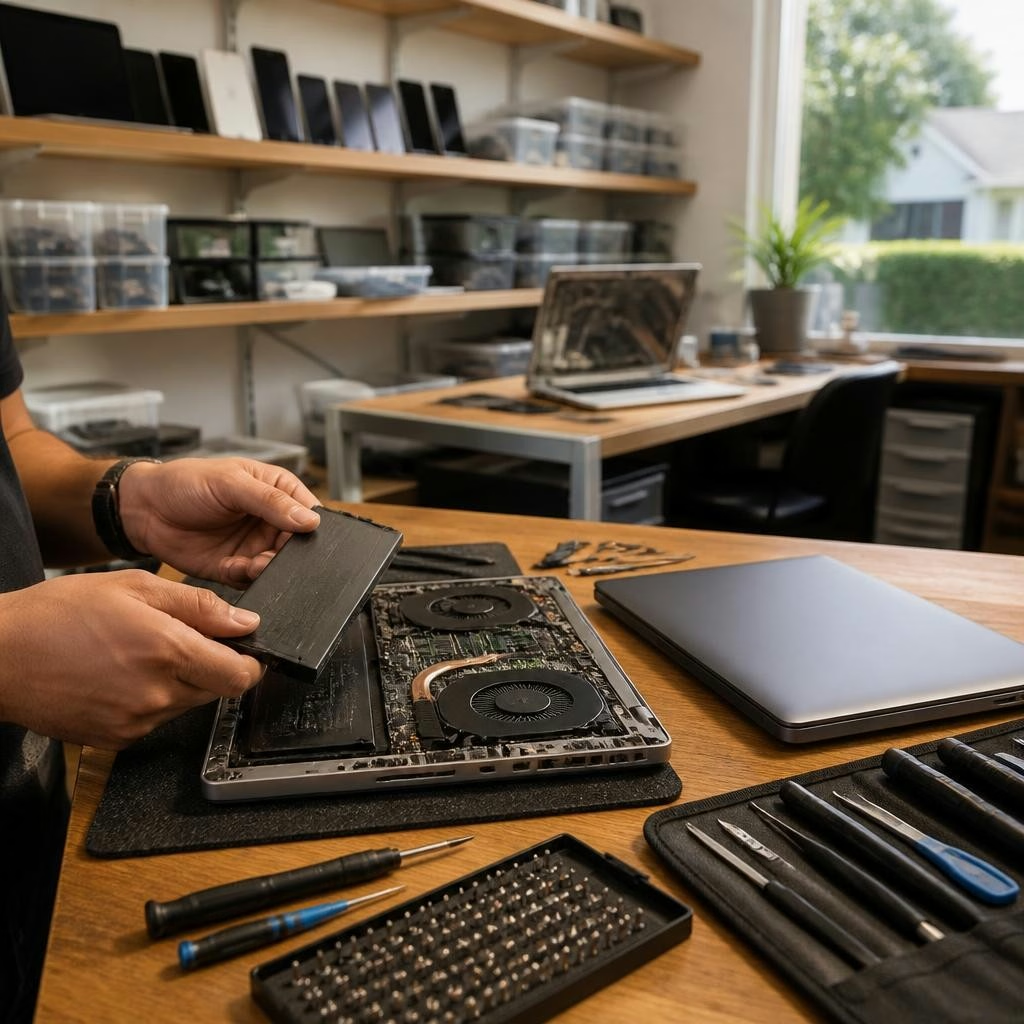
Why this decision matters
Choosing between repairing or replacing an older laptop affects your budget, productivity and data. Repairs can extend usable life and keep costs down, but in some cases a replacement is more economical, especially when performance, security updates or major component failures are involved. This article focuses on the practical factors to consider for residents around Coburg and Fawkner so you can make a clear, localised choice.
Start with three quick checks
Before anything else, check these essentials: (1) How old is the laptop and what model is it (Windows vs Mac)? (2) Are your files backed up and recoverable? (3) What are the exact symptoms—slow startup, battery not holding charge, cracked screen, or physical damage? Those answers clarify whether you’re facing a minor fix, an upgrade, or a deeper hardware failure that could point toward replacement.
Age, model and remaining value
Age and model influence both repairability and future usefulness. Laptops under five years old from mainstream brands often respond well to targeted repairs or upgrades. Very old machines or discontinued models may have scarce parts and limited software support, reducing long-term value. For Mac users, consider Apple's support lifecycle; for Windows PCs, driver and OS compatibility matter. If the laptop still meets your needs after a modest repair, fixing can be the smarter choice.
Common faults and how repairable they are
Typical issues fall into clear categories: battery and charging faults, slow performance (storage or RAM constraints), broken screens or hinges, keyboard failures, and liquid damage. Many of these can be repaired or upgraded. Batteries and screens are often replaceable; storage (HDD to SSD) and RAM upgrades can noticeably improve speed. Liquid damage and motherboard faults are more complex and may be costlier or riskier to fix—get a diagnostic to understand likelihood of permanent damage.
Battery replacements and performance upgrades
If your laptop dies quickly or won’t hold a charge, a battery replacement can restore practical use—particularly for machines otherwise in good shape. Slow systems often benefit from CPU-friendly upgrades such as SSDs or additional RAM; these upgrades can extend useful life more than a cosmetic repair. Whether an upgrade is worth it depends on the laptop’s age and how you use it (web browsing vs video editing). Ask your technician about compatibility and expected performance gains.
Screens, hinges and other visible damage
Cracked screens and damaged hinges are common and usually fixable, but repair cost varies with the model and part availability. Replacing a screen can make an old laptop perfectly usable again; however, if the display is paired with other failing components, repairs add up. For people in Coburg and Fawkner, a local shop can often source compatible parts faster than online orders—ask about part quality and whether original-equivalent components will be used.
Software problems and data recovery
Not all problems are hardware. Viruses, corrupted systems, and misconfigured software can make a laptop feel unusable but are frequently solved with data recovery, OS reinstall, or targeted troubleshooting. Back up your data before any repair. If data recovery is a priority, let the technician know upfront; recovering files can change the value equation and sometimes justifies repairing an older machine even when hardware costs are high.
Weighing cost, lifespan and resale value
Compare the quoted repair cost against realistic expectations for remaining lifespan and any resale value. A low-cost repair that returns a machine to daily use for a year or two is often worthwhile. If multiple major components need replacement or the laptop will soon be unsupported by updates, replacement may be more sensible. Because repair pricing varies by model and fault, get a clear diagnostic and written estimate before deciding.
Choosing a local repairer: what to ask
When looking for a local technician in Coburg or Fawkner, ask about: diagnostics process and cost, parts quality (OEM vs aftermarket), turnaround time, warranties on parts and labour, and whether they can back up or recover your data. Local reviews indicate many customers value quick, affordable service; for example, one customer noted a laptop was fixed quickly and cheaply where another shop could not. Use that as a benchmark but also confirm warranty and after‑sales support.
A practical checklist to decide now
Use this checklist before choosing: (1) Back up your files. (2) Get a professional diagnostic and written estimate. (3) Ask about part quality and warranty length. (4) Consider upgrades (SSD/RAM) for speed improvements. (5) Compare repair estimate to the cost and benefits of replacement, including software support and resale value. If you live near Coburg or Fawkner and need help, a local shop that handles MacBook and Windows laptop repairs can assess options and perform upgrades—just be sure to confirm parts, timelines and any post‑repair support.
Customer review


Article by
Zee Mobi Solutions - Phone Repair Coburg
Zee Mobi Solutions is your trusted destination for expert mobile phone, MacBook, and laptop repairs in Coburg. We specialise in fast, reliable, and affordable repair services for all major brands, including Apple, Samsung, and more. Whether it’s a cracked screen, battery replacement, water damage, or software issues, our skilled technicians have you covered. We use high-quality parts to ensure lasting performance and customer satisfaction. Conveniently located in Coburg, we pride ourselves on quick turnaround times and exceptional service. Visit Zee Mobi Solutions today for professional repairs and get your device back in top shape!