Protecting Your Phone on Rainy Melbourne Days: Water Damage Tips for Coburg Residents
Practical, step-by-step guidance for keeping phones and tablets safe in Melbourne rain, what to do immediately after water exposure, and when to bring a device to a Coburg repair shop.
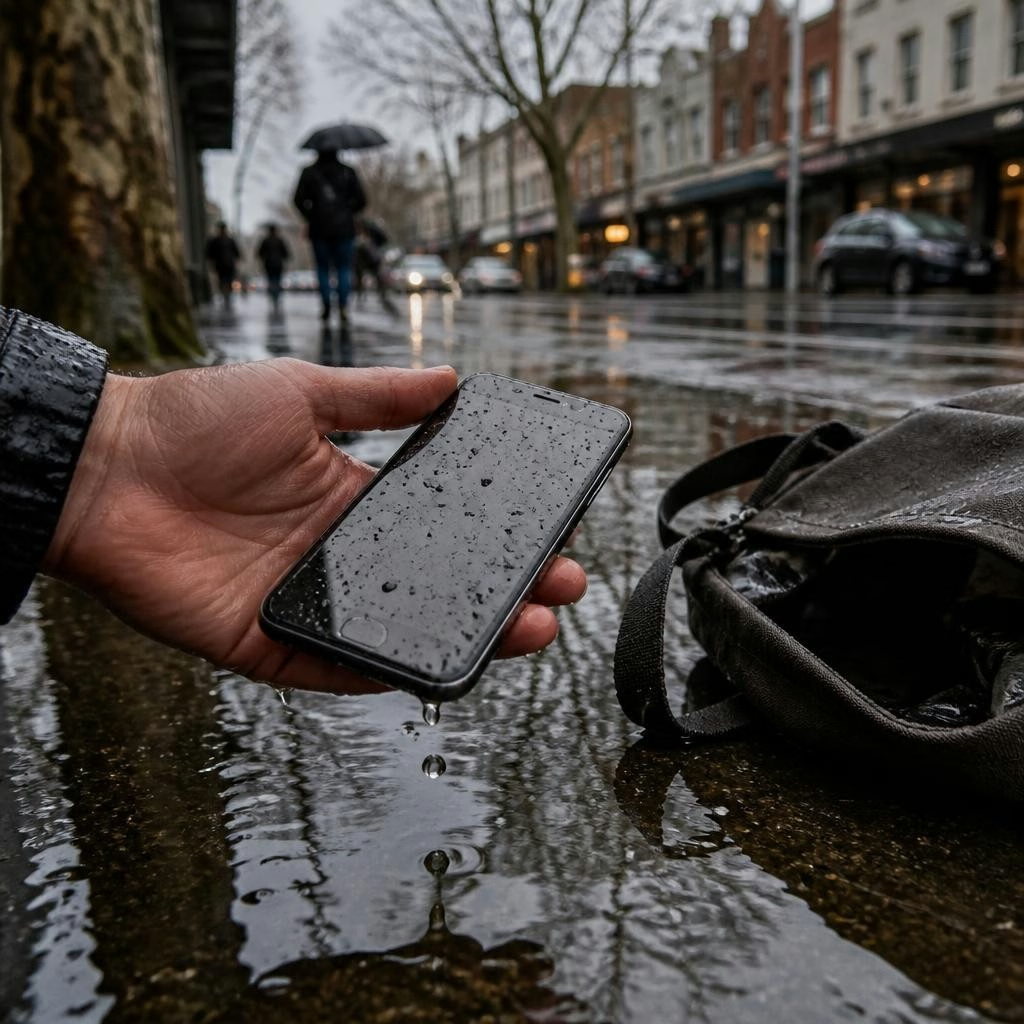
Why rainy days in Melbourne put devices at risk
Melbourne weather can change quickly and even light rain, puddles, or wet bags can expose phones and tablets to moisture. Water can enter through charging ports, speaker grills, cracked screens, or loose seals, and small amounts of moisture are often enough to cause short circuits or corrosion over time. For Coburg residents who use public transport, umbrellas and damp pockets add extra everyday risk.
Everyday entry points to watch
Common places water gets into a device include the charging port, headphone jack, SIM/memory card tray, bottom speaker openings, and any cracked or separated screen edges. Water trapped under a case or screen protector may be hard to spot — check ports and seams after exposure and remove cases and screen protectors briefly to inspect the device.
Immediate do’s after your device gets wet
If a device is exposed to water, act quickly: power it off immediately (if it’s still on), remove any case, SIM and memory cards, and gently blot visible moisture with an absorbent cloth. Keep the device upright and avoid moving it more than necessary. Placing the device in a sealed container with silica gel packets can help; if silica isn’t available, an open, well-ventilated area at room temperature is preferable to applying heat.
What not to do: common myths and risky fixes
Avoid common but harmful responses: do not plug the device in to test or charge, don’t turn it on repeatedly to ‘see if it works,’ and don’t use a hairdryer or oven to dry it — concentrated heat can warp components and worsen damage. Rice is a popular home remedy, but it’s unreliable and can leave dust or starch inside ports; it’s better to use silica packets or professional drying methods.
When to bring your device to a professional
Seek professional help if the device won’t charge, shows screen glitches, has distorted sound, camera fogging, unexpected restarts, or if you notice corrosion in ports. Professional inspection is also wise if the device was submerged, exposed to saltwater, or if it contains important, unbacked-up data. In one recent local example, a customer had a water-damaged iPhone successfully rescued after prompt professional attention, illustrating the value of quick expert intervention.
What a repair shop will do for water damage
A typical professional assessment includes a diagnostic check to identify impacted components, internal inspection for corrosion, careful cleaning and drying, and component replacement if needed (for example, charging ports or batteries). Technicians will also run software tests to confirm sensors, cameras and speakers work correctly. Note that outcomes depend on the extent of exposure and how quickly the device was brought in, so speed matters.
How Zee Mobi Solutions can help in Coburg
Zee Mobi Solutions in Coburg handles water-damage inspections and repairs for phones, iPads, MacBooks and laptops. Located at 375 Sydney Road, the shop is known locally for fast turnaround and friendly service, and serves customers across nearby suburbs. If your device has been exposed to moisture, bringing it in quickly for a professional diagnostic gives the best chance of recovery.
Practical ways to reduce future water risk
To lower the chance of water damage, use a protective case with good port coverage, consider a water-resistant pouch for wet conditions, and keep devices in inside pockets or sealed compartments when it’s raining. Regularly check and replace worn screen protectors or cases so seals remain effective. Also set up automatic backups (cloud or local) so you won’t lose important data if a device is damaged.
A quick action checklist for Coburg residents
1) Turn the device off immediately and remove any case and SIM/memory cards. 2) Blot — don’t rub — visible moisture with a lint-free cloth. 3) Avoid charging, turning on, or using heat. 4) If available, place the device with silica gel packets in a sealed bag for short-term drying. 5) Seek professional inspection promptly if the device was submerged, exposed to saltwater, or if problems appear. When in doubt, bring the device to a local repair shop for a diagnostic.
Next steps and what to expect when you bring a device in
If you visit a repair shop, explain exactly when and how the exposure happened and what symptoms you’ve noticed. Ask about the diagnostic process and possible repair options — cleaning, part replacement, and testing. Many local customers praise clear communication and fast service for water-related repairs; prompt attention improves the chance of saving the device, and technicians can advise on data-recovery possibilities and preventive steps to avoid future incidents.
Customer review


Article by
Zee Mobi Solutions - Phone Repair Coburg
Zee Mobi Solutions is your trusted destination for expert mobile phone, MacBook, and laptop repairs in Coburg. We specialise in fast, reliable, and affordable repair services for all major brands, including Apple, Samsung, and more. Whether it’s a cracked screen, battery replacement, water damage, or software issues, our skilled technicians have you covered. We use high-quality parts to ensure lasting performance and customer satisfaction. Conveniently located in Coburg, we pride ourselves on quick turnaround times and exceptional service. Visit Zee Mobi Solutions today for professional repairs and get your device back in top shape!