Saving a Water‑Damaged Laptop in Coburg: Practical Steps Before You Get Help
A clear, step‑by‑step guide for Coburg locals who spill liquid on a laptop or MacBook — what to do immediately, what to avoid, and what a professional board clean can realistically fix (and what it usually can’t).
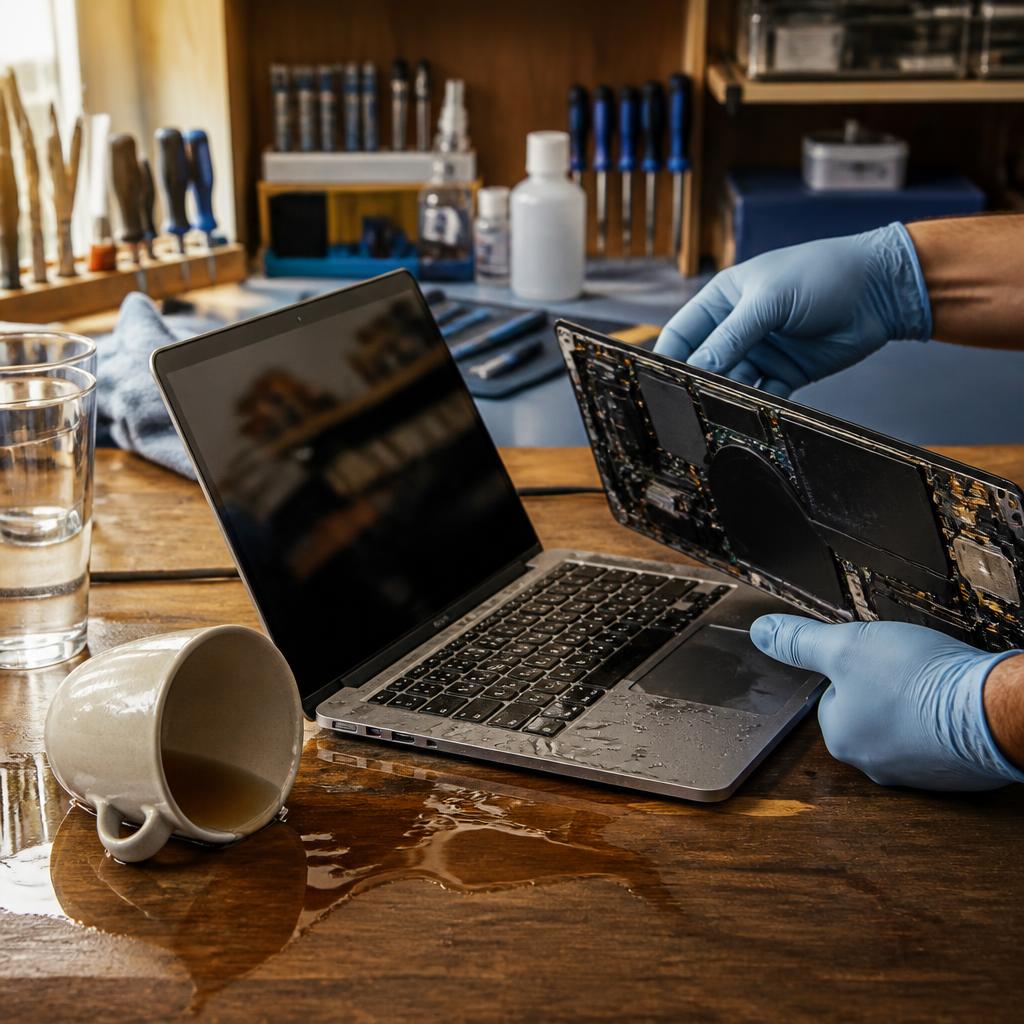
Why fast action matters
When a laptop or MacBook gets wet, the immediate risk is shorting and corrosion. Liquid on circuit boards can create conductive paths and begin chemical damage within minutes to hours. Acting quickly improves the chance of saving the device and preserving data — delaying a professional assessment increases the likelihood of permanent component failure.
Immediate do’s: what to do in the first minute
Turn the machine off right away and unplug it from any power source. If the battery is removable, take it out. Remove any attached peripherals (USB drives, external mice, memory cards). Gently blot visible liquid with an absorbent cloth — do not wipe or smear the liquid across the surface. Place the laptop on a flat, dry surface with the keyboard facing down at a slight angle to help drain excess liquid away from the internal components.
Immediate don’ts: avoid common, harmful reactions
Do not power the device on to ‘check’ if it still works — powering a wet board is a common cause of permanent damage. Avoid using a household hairdryer on high heat (excess heat can warp plastics and damage components) and don’t attempt to shake or bang the laptop. Skip home remedies like placing the laptop in a rice bag as a sole solution; those methods are slow and unreliable for electronics.
Power, batteries and safety first
If any electrical smell, smoke, or heat is present, disconnect power and keep a safe distance — severe short circuits can create hazards. If you’re unsure about removing the battery, wait for a technician rather than forcing it; some models require careful disassembly. Do not attempt to charge or boot the device until it has been inspected.
Drying at home vs. getting a professional assessment
Short-term drying at home (air drying in a cool, ventilated place for a few hours) can reduce surface moisture, but it does not reliably remove trapped liquid or corrosion from inside. Professional assessment matters because technicians can open the casing, inspect the board, and determine whether components need cleaning or replacement. The earlier you get a diagnostic, the better the chance of a successful repair.
What a professional board clean typically involves
A qualified repair technician usually begins with a diagnostic to identify affected parts. The common steps include careful disassembly, visual inspection for corrosion or residue, removal of affected components when needed, cleaning of the board and connectors with appropriate solvents, drying and reassembly, and thorough testing of power, ports, screen, keyboard and other functions. If parts are visibly damaged, the technician will advise on replacement options.
What a board clean can realistically fix
Board cleaning can often remove corrosion and conductive residue caused by spilled beverages or water, restoring connections and functionality for things like keyboards, charging circuits and some ports. It can also stop progressive damage if done early, preventing a small problem from becoming catastrophic. However, success depends on the liquid type, exposure time, and which components were affected.
When cleaning may not be enough
Cleaning won’t always restore a device. If components have been physically burnt, if critical chips have shorted permanently, or if severe mechanical damage occurred (for example, warped connectors or cracked solder joints), replacement of parts — or in worst cases a full logic board replacement — may be required. Data stored on physically damaged drives can also be at risk; ask about data‑retrieval options during the diagnostic.
Timing, costs and what to expect in Coburg
Turnaround depends on how extensive the damage is and parts availability. Many local repairs are fast when the issue is limited; customers of nearby shops often praise quick service and clear communication. For example, one recent customer reported that multiple laptop issues were diagnosed and fixed quickly. When you bring a device in, expect a diagnostic first and a clear recommended plan rather than an immediate guarantee of full recovery.
Bringing your laptop to Zee Mobi Solutions in Coburg
Zee Mobi Solutions offers diagnostics and repairs for laptops and MacBooks affected by liquid damage. If you’re in Coburg, you can bring the device to 375 Sydney Road, Coburg VIC. The shop serves nearby suburbs and can assess whether a board clean, part replacement or further work is needed. Before handing over your device, ask about the diagnostic process, estimated time, and any aftercare or warranty for the repair work.
Aftercare, backups and prevention
After a repair, back up your data immediately in case of delayed failures. Ask technicians about any remaining risks and what to watch for (intermittent faults, charging quirks, corrosion returning). To reduce future risk, keep liquids away from your workspace, consider keyboard covers for everyday spills, and maintain regular backups so that an accident doesn’t mean permanent data loss. Also confirm repair warranties and follow‑up procedures up front — some customers appreciate quick fixes but expect clear aftercare policies.
Customer review


Article by
Zee Mobi Solutions - Phone Repair Coburg
Zee Mobi Solutions is your trusted destination for expert mobile phone, MacBook, and laptop repairs in Coburg. We specialise in fast, reliable, and affordable repair services for all major brands, including Apple, Samsung, and more. Whether it’s a cracked screen, battery replacement, water damage, or software issues, our skilled technicians have you covered. We use high-quality parts to ensure lasting performance and customer satisfaction. Conveniently located in Coburg, we pride ourselves on quick turnaround times and exceptional service. Visit Zee Mobi Solutions today for professional repairs and get your device back in top shape!