What to Do When Your Phone Won’t Turn On: A Step‑by‑Step Guide for Coburg and Fawkner Residents
Practical, model-aware troubleshooting steps you can try at home when your phone goes black, plus guidance on when to visit Zee Mobi Solutions in Coburg for professional battery, screen or charging repairs.
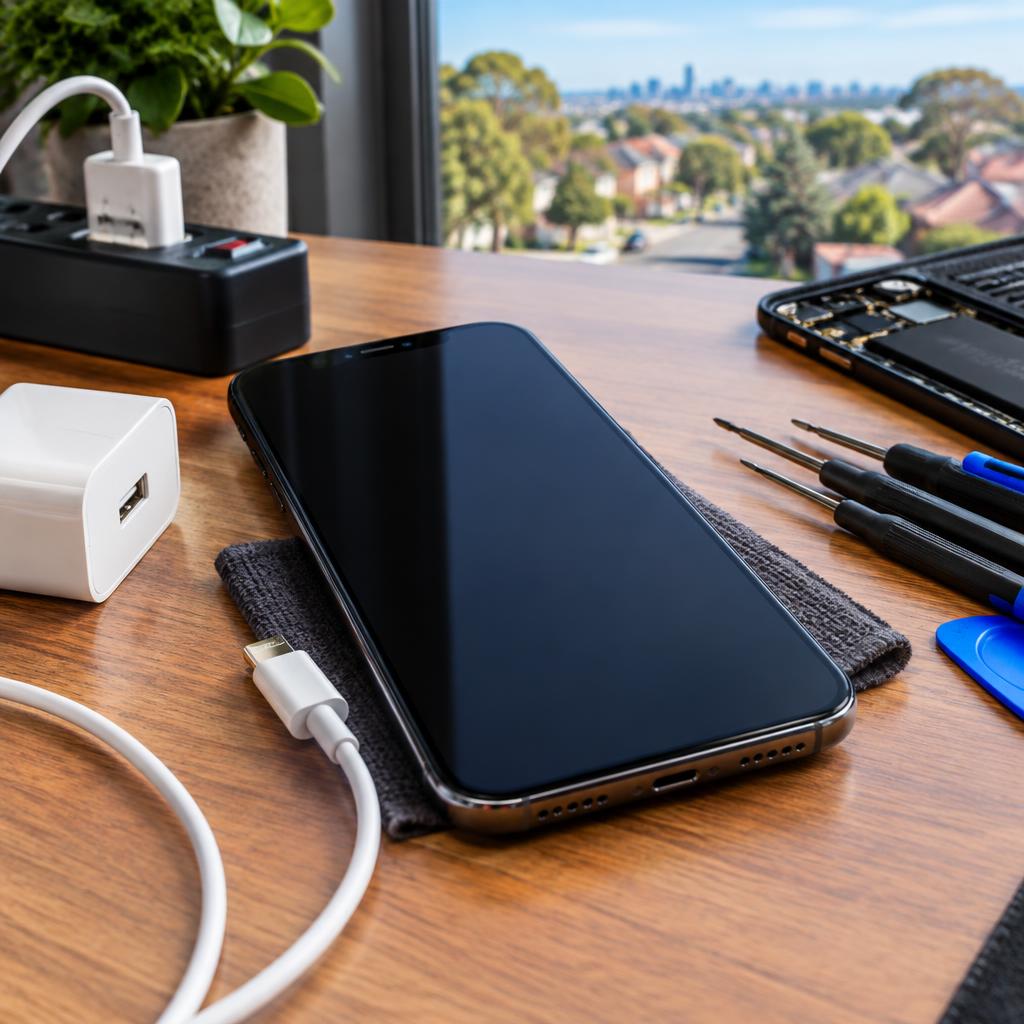
Quick overview: stay calm and check the basics
A phone that suddenly won’t turn on can be alarming, but many causes are simple and fixable at home. This guide walks through straightforward checks — charging, cables, and forced restarts — and explains signs that point to an internal hardware fault that needs professional repair from a trusted local shop like Zee Mobi Solutions in Coburg.
Step 1 — confirm it’s really powered off
First, make sure the screen is not just sleeping. Try pressing the power button once, then twice, and hold it for 10–20 seconds. If you see no screen change and there’s no vibration or LED, treat the device as powered off and move to charging checks.
Step 2 — check charging: cable, adapter and time
Plug your phone into a known-good charger and wall outlet. Swap the cable and adapter if you can — a faulty cable is a very common cause. Leave the phone connected for 15–30 minutes; a completely drained battery sometimes needs a longer initial charge before showing any sign of life. If possible, try charging using a different outlet or a friend's charger.
Step 3 — try a different USB port and charging indicator tests
If you normally charge via USB on a laptop, switch to a direct wall adapter. Inspect the charging port for lint, debris or corrosion that could prevent a proper connection. Look for any charging indicators — a battery icon, LED, or vibration — when you connect it; absence of these may point to a charging-port or battery failure.
Step 4 — safe forced restart methods (device-dependent)
A forced restart can revive a frozen device. Exact button sequences depend on the model: many Android phones respond to holding Power + Volume Down for 10–20 seconds; newer iPhones often require quick Volume Up, quick Volume Down, then hold the Side button until the Apple logo appears. Because sequences differ by model, check your device manual or stop and seek help if you’re unsure.
Step 5 — avoid risky recovery steps unless you understand them
Recovery-mode or DFU resets can restore software but may risk data loss if done incorrectly. If basic restarts and charging don’t work and your data is important, avoid deep software recoveries at home. Instead, back up what you can (if the phone becomes responsive) and consider professional diagnostics.
Step 6 — look for physical or liquid damage clues
Inspect the phone for a swollen case, visible screen cracks, or signs of water ingress (discoloration around ports). A swollen battery can prevent booting and is a serious safety concern — stop trying to force power and seek a repair centre. Liquid damage often causes corrosion that interferes with power and charging.
Step 7 — when it’s likely a hardware issue
If the phone doesn’t respond after charging and forced restarts, the problem may be a failed battery, damaged charging port, or an internal power component. Zee Mobi Solutions lists battery replacement, charging-fault and software repair among its services, and many local customers report quick turnarounds for common fixes — often completed in about 20–40 minutes according to reviews.
Step 8 — what to bring when you visit Zee Mobi Solutions
If you decide to visit the repair shop, bring the device and any charger you normally use, a short description of what happened, and a note of any symptoms you observed. If possible, back up your data beforehand. Zee Mobi Solutions is located at 375 Sydney Road, Coburg and serves nearby suburbs including Fawkner; customers frequently note helpful, friendly service when dropping devices off.
Step 9 — in-shop checks and aftercare to expect
At the shop, technicians will run diagnostics to isolate battery, charging-port or motherboard issues and explain repair options. Ask for a demonstration of the repaired function before leaving and keep your receipt for follow-up. One customer specifically left a brief note thanking the team for their help, reflecting the shop’s focus on customer support.
Step 10 — final tips and when to call for professional help
Quick checklist: try a known-good charger, force a restart, inspect for visible damage, and avoid risky recovery procedures if you need your data. Seek professional help if charging indicators never appear, the battery looks swollen, liquid exposure occurred, or the device won’t boot after basic steps. For residents of Coburg, Fawkner and nearby areas, Zee Mobi Solutions offers mobile phone, MacBook and laptop repairs and can diagnose power issues the same day in many cases.
Customer review


Article by
Zee Mobi Solutions - Phone Repair Coburg
Zee Mobi Solutions is your trusted destination for expert mobile phone, MacBook, and laptop repairs in Coburg. We specialise in fast, reliable, and affordable repair services for all major brands, including Apple, Samsung, and more. Whether it’s a cracked screen, battery replacement, water damage, or software issues, our skilled technicians have you covered. We use high-quality parts to ensure lasting performance and customer satisfaction. Conveniently located in Coburg, we pride ourselves on quick turnaround times and exceptional service. Visit Zee Mobi Solutions today for professional repairs and get your device back in top shape!