What to Expect During a MacBook or Laptop Diagnostic at Zee Mobi Solutions in Coburg
A clear, practical guide for Coburg locals on what happens when you drop off a MacBook or laptop for diagnostics at Zee Mobi Solutions — from intake questions and tests to timelines, fees, and how results are communicated before you agree to repairs.
Why a diagnostic matters
A diagnostic visit identifies the root cause of the problem so you get the right repair — whether it’s a failing battery, software corruption, damaged microphone, a broken screen, or water damage. At Zee Mobi Solutions in Coburg technicians focus on finding the specific fault and outlining repair options, rather than guessing or replacing parts unnecessarily.
Before you bring your laptop in
Back up your data if possible and note any recent events that might be relevant (drops, liquid exposure, recent updates). Bring your power adapter and any passwords or accounts needed for a test login. If you can’t back up, let the technician know immediately so they can prioritise data safety during the diagnostic.
Initial intake: questions the technician will ask
Expect staff to ask about the device model, when the problem began, steps you’ve already tried, and any error messages you’ve seen. They may also ask about prior repairs or parts replacements. Clear answers help narrow the test plan and speed up the diagnostic.
Visual and basic physical checks
The technician will start with a visual inspection: looking for screen cracks, case damage, corrosion from liquid exposure, bent charging ports, or loose keys. They will also test the power adapter and battery connection and check ports (USB, Thunderbolt, headphone jack) to see if there are obvious physical faults.
Software checks and initial boot tests
Technicians will boot the machine (or try safe/diagnostic modes) to see how the operating system behaves. They run basic software checks for corrupt system files, driver conflicts, startup errors, and visible app faults. For MacBooks, this might include testing Safe Mode or recovery options; for Windows laptops, it can include safe-boot and event-log reviews.
Hardware diagnostics they commonly run
Expect hardware tests such as memory checks, storage health (SMART status), battery health/readings, and temperature/thermal behavior under light load. They may test individual components — screen, keyboard, trackpad, webcam, microphone — to confirm whether failures are hardware- or software-related.
Special checks for liquid damage and complex faults
If the device has had liquid exposure, technicians will examine internal corrosion and perform targeted tests to identify shorted or damaged components. They may also inspect motherboards and power delivery circuits when problems persist after standard checks.
Timeframe: how long diagnostics typically take
Diagnostics can range from a quick 15–30 minute in-store check for straightforward issues to several hours or a day for deeper tests or when parts need removal and bench testing. Zee Mobi Solutions is known for quick turnaround on many laptop jobs, and the team will give a time estimate when you drop the device off.
Fees and consent: what to expect before any repair
A diagnostic fee may apply to cover technician time and testing. Many shops offset that fee against the cost of any repair if you proceed. Before any repair work starts, you should receive a written or verbal estimate and be asked to consent to the costs and the scope of work. If additional faults are found, the technician should contact you with options rather than proceeding without approval.
How results and repair options are explained
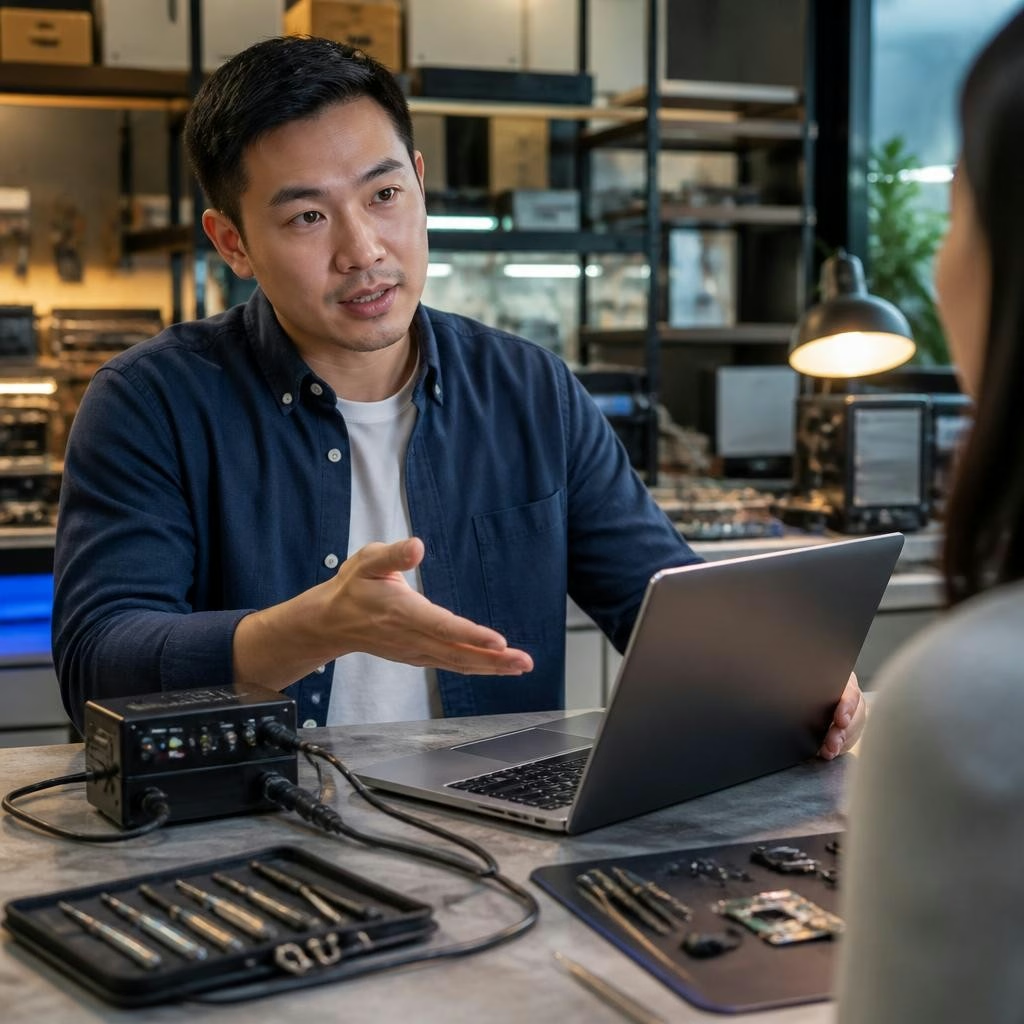
After testing, the technician will explain findings in plain language, show which tests produced the result, and present repair choices (replace part, software restore, further bench work). They should describe risks, part quality, expected lifespan, and whether data recovery is needed or possible. Customers at Zee Mobi Solutions frequently report friendly, clear explanations and quick resolution of multiple issues.
Aftercare: what to ask and next steps
Before you leave, ask about estimated completion time, parts sourcing, whether original or aftermarket parts will be used, and any service terms or post-repair support. If you relied on backup or requested data recovery, confirm that data was preserved. Finally, get contact details and a receipt for the diagnostic so you can follow up if needed.
Customer review


Article by
Zee Mobi Solutions - Phone Repair Coburg
Zee Mobi Solutions is your trusted destination for expert mobile phone, MacBook, and laptop repairs in Coburg. We specialise in fast, reliable, and affordable repair services for all major brands, including Apple, Samsung, and more. Whether it’s a cracked screen, battery replacement, water damage, or software issues, our skilled technicians have you covered. We use high-quality parts to ensure lasting performance and customer satisfaction. Conveniently located in Coburg, we pride ourselves on quick turnaround times and exceptional service. Visit Zee Mobi Solutions today for professional repairs and get your device back in top shape!