Why Your Laptop Is Suddenly So Slow: Simple Checks Coburg Locals Can Try Before a Repair
Practical, step-by-step troubleshooting for residents of Coburg and nearby suburbs to diagnose and often fix a suddenly slow laptop — plus guidance on when to bring it to Zee Mobi Solutions for professional service.
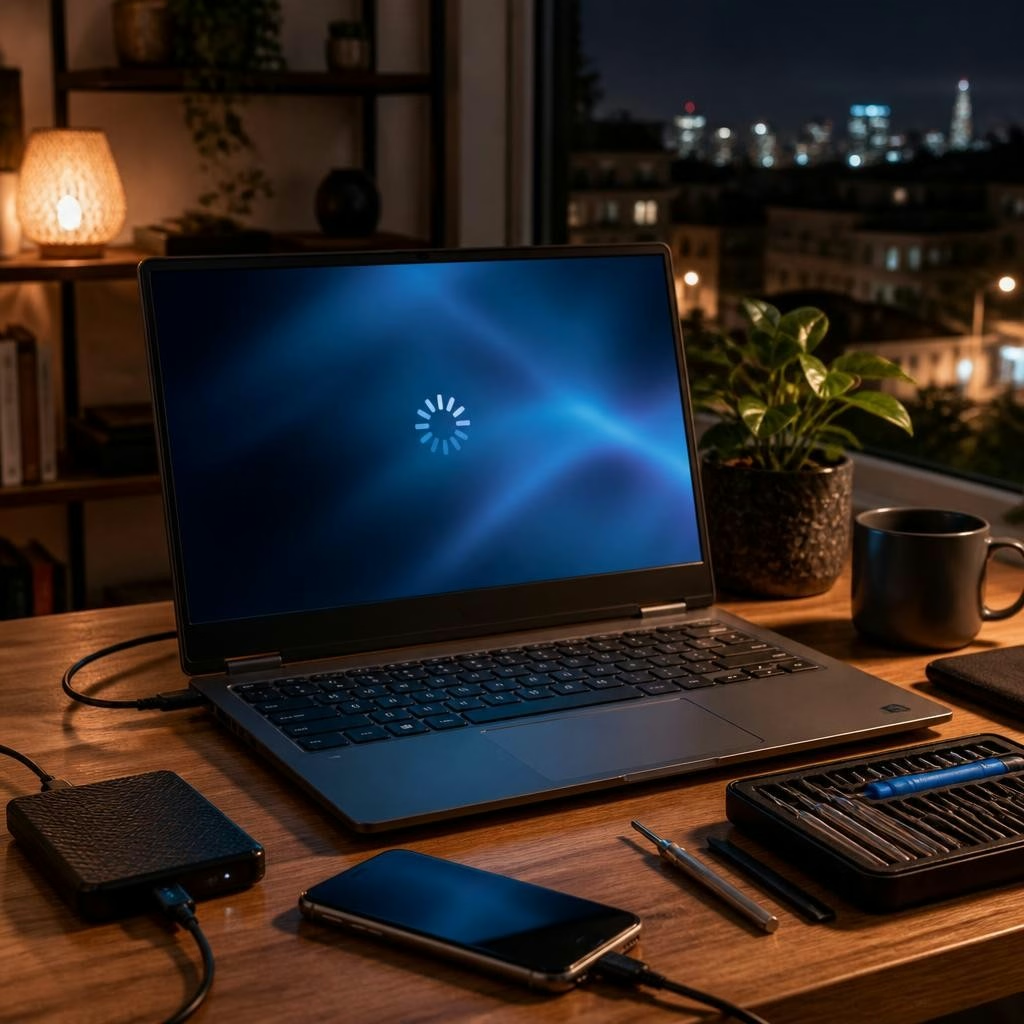
What ‘suddenly slow’ usually means
If your laptop was fine yesterday and now feels sluggish, the cause is often one of a few common issues: a recent software change, a full hard drive, background processes using CPU or memory, malware, or a hardware problem such as an aging battery or failing drive. This article walks you through quick checks you can do at home in Coburg, Preston or Reservoir before deciding on a repair shop visit.
The 5‑minute sanity check
Start with a fast, low-effort test: restart the laptop, unplug any unnecessary peripherals, and see if performance improves. Check for visible notifications about updates or errors. If performance improves after a restart, the issue may be a temporary software glitch or a runaway app. If it doesn’t, move on to the steps below.
Free up storage space
A nearly full storage drive is a frequent cause of slow performance. Delete large files you no longer need, empty the Recycle Bin or Trash, uninstall unused programs, and move photos or videos to an external drive or cloud storage. Also clear browser caches and temporary files. On both Windows and macOS there are built‑in storage tools that show which files and apps use the most space — freeing up a few gigabytes can yield noticeable speed gains.
Manage startup apps and background processes
Many apps launch automatically and run in the background, using CPU and memory. On Windows use Task Manager to see startup impact and background processes; on macOS use Activity Monitor and Login Items. Disable nonessential startup items and quit resource‑hungry apps you don’t need. If a particular app repeatedly consumes lots of resources, consider updating, reinstalling, or replacing it.
Keep software and drivers up to date — but back up first
Outdated operating systems, device drivers, or applications can cause slowdowns or compatibility problems. Install available system updates and update key drivers (graphics, chipset, network). Before major updates, make a quick backup of important files so you can recover if something goes wrong.
Check for malware and unwanted programs
Malware, adware or poorly behaved browser extensions can drastically reduce performance. Run a full scan with an up‑to‑date antivirus or anti‑malware tool and remove anything flagged. Also review installed programs and browser extensions; uninstall or disable anything suspicious or that you don’t recognize.
Hardware causes to consider: RAM and storage type
If your laptop has limited RAM or an older mechanical hard drive (HDD), tasks like multitasking or loading large files will be slow. Adding more RAM or switching from an HDD to a solid‑state drive (SSD) often produces the biggest performance improvement. These are hardware checks you can start yourself by checking system specs, but upgrades or drive replacements are best handled by a technician if you’re not comfortable opening the laptop.
Overheating, vents and battery health
Thermal throttling — where the CPU slows down to avoid overheating — can make a computer feel sluggish. Make sure vents aren’t blocked, consider using the laptop on a hard flat surface, and clean dust from vents if you can do so safely. Poor battery health can also affect performance on some laptops; if your device runs much slower on battery than when plugged in, battery condition might be a factor.
When it’s time to visit a local repair shop
If the basic checks above don’t help, or if you find signs of failing hardware (repeated crashes, strange noises from the drive, or persistent errors), it’s time for professional diagnostics. Zee Mobi Solutions in Coburg offers laptop diagnostics and repairs — customers frequently report quick, friendly service and successful fixes for software and hardware problems, including cases where other technicians couldn’t help. Bringing your device in can save time and avoid causing further issues yourself.
What to expect at Zee Mobi Solutions and next steps
At Zee Mobi Solutions (375 Sydney Road, Coburg) a technician can run a full diagnostic, identify whether the cause is software or hardware, and recommend next steps such as malware removal, RAM or storage upgrades, or component repair. Before leaving your device, ask about estimated turnaround, data‑backup options, and a clear cost estimate. The shop serves customers from nearby suburbs including Preston, Reservoir, Brunswick and Glenroy, and can advise whether an in‑shop repair or further specialist work is needed.
Customer review


Article by
Zee Mobi Solutions - Phone Repair Coburg
Zee Mobi Solutions is your trusted destination for expert mobile phone, MacBook, and laptop repairs in Coburg. We specialise in fast, reliable, and affordable repair services for all major brands, including Apple, Samsung, and more. Whether it’s a cracked screen, battery replacement, water damage, or software issues, our skilled technicians have you covered. We use high-quality parts to ensure lasting performance and customer satisfaction. Conveniently located in Coburg, we pride ourselves on quick turnaround times and exceptional service. Visit Zee Mobi Solutions today for professional repairs and get your device back in top shape!